 CalmaEspañol
Public beta
Install Calma
Your wellbeing calendar on your phone and your computer. Pick where:
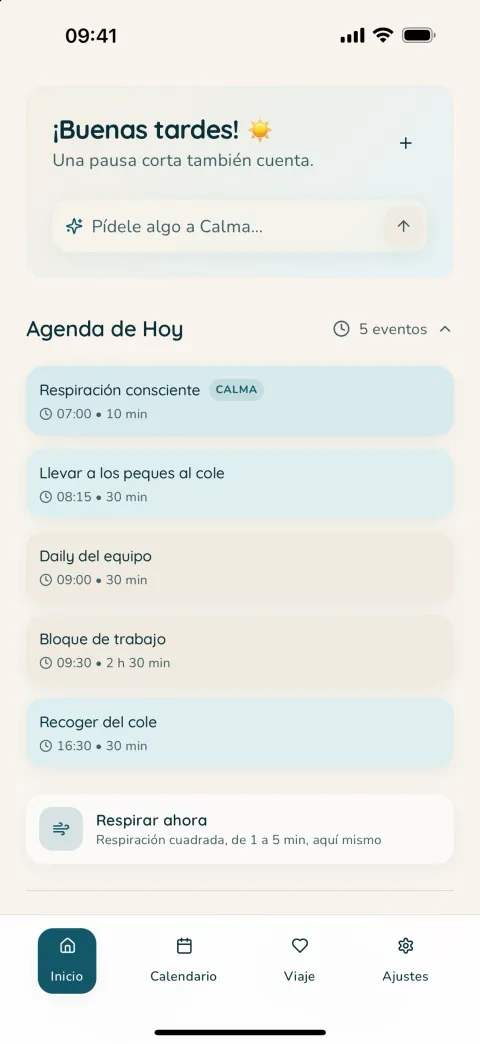
iPhone and iPad
- Open the link and tap "Get".
- Confirm with Face ID, Touch ID or your password.
- Open Calma from your home screen.
Want to try new features first?
Join the beta on TestFlight, Apple's app for testing new versions. No invitation needed.
Join the beta- Install TestFlight from the App Store.
- Open the beta link and tap "Accept" and "Install".
Android
Calma is on Google Play, for free.
Get it on Google Play- Open the link and tap "Install".
- Open Calma from your apps.
Web app
It works in the browser and installs like an app, with its own icon and window. calma.aihacks-es.com
iPhone or iPad · Safari
- Tap Share.
- "Add to Home Screen".
Android · Chrome
- Tap the ⋮ menu.
- "Install app".
Computer · Chrome or Edge
- The install icon in the address bar.
- "Install".
Mac · Safari
- File → "Add to Dock".
Your first steps
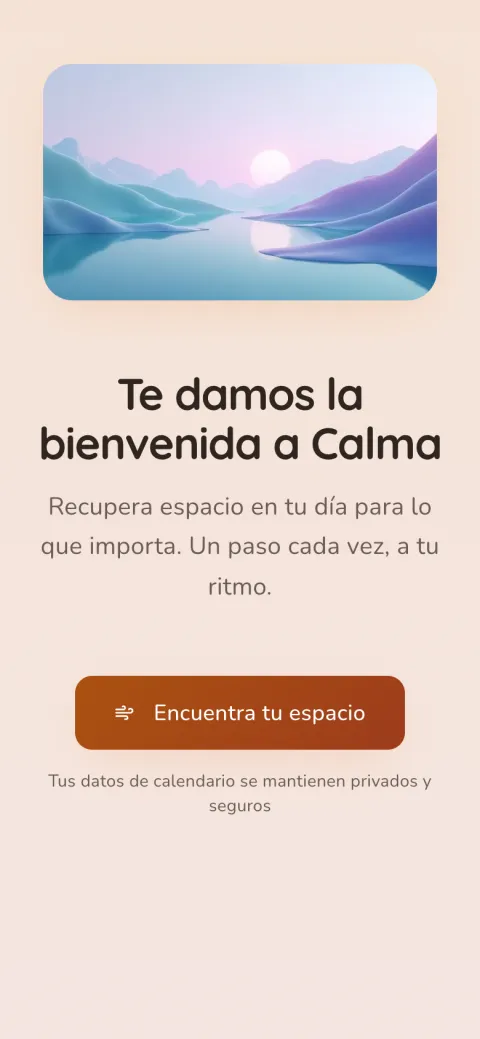
The first time, Calma asks you everything in a short welcome.
- Create your accountWith Google, Microsoft, Apple or your email.
- Your scheduleAccept the suggested one with a tap.
- Reminders10 minutes before each break.
- Your first breakBreathe for a minute.
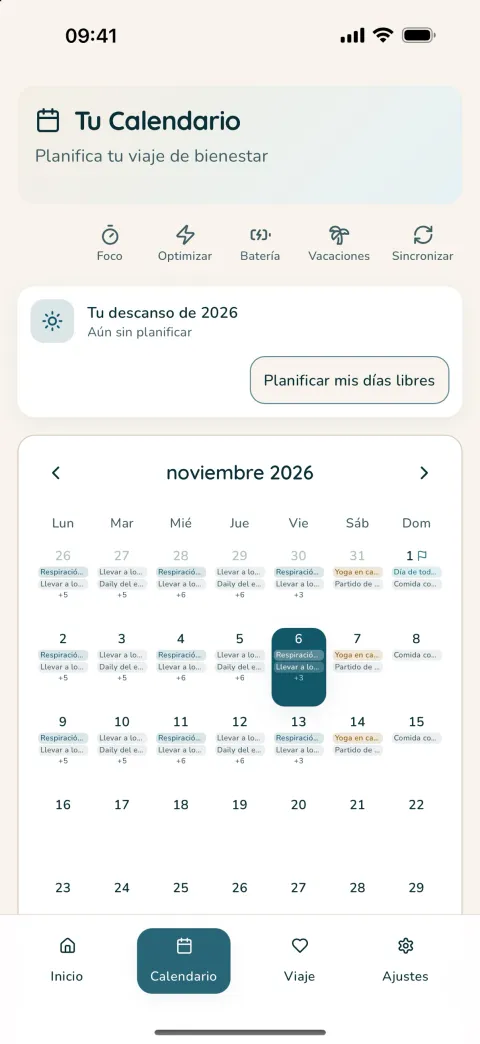
- Your calendarGoogle or Outlook, if you want.
- Accept what suits youNothing enters your calendar without your yes.
Something not working? See support or email us at soporte@aihacks-es.com.